Ultimate Floor Planning Tool

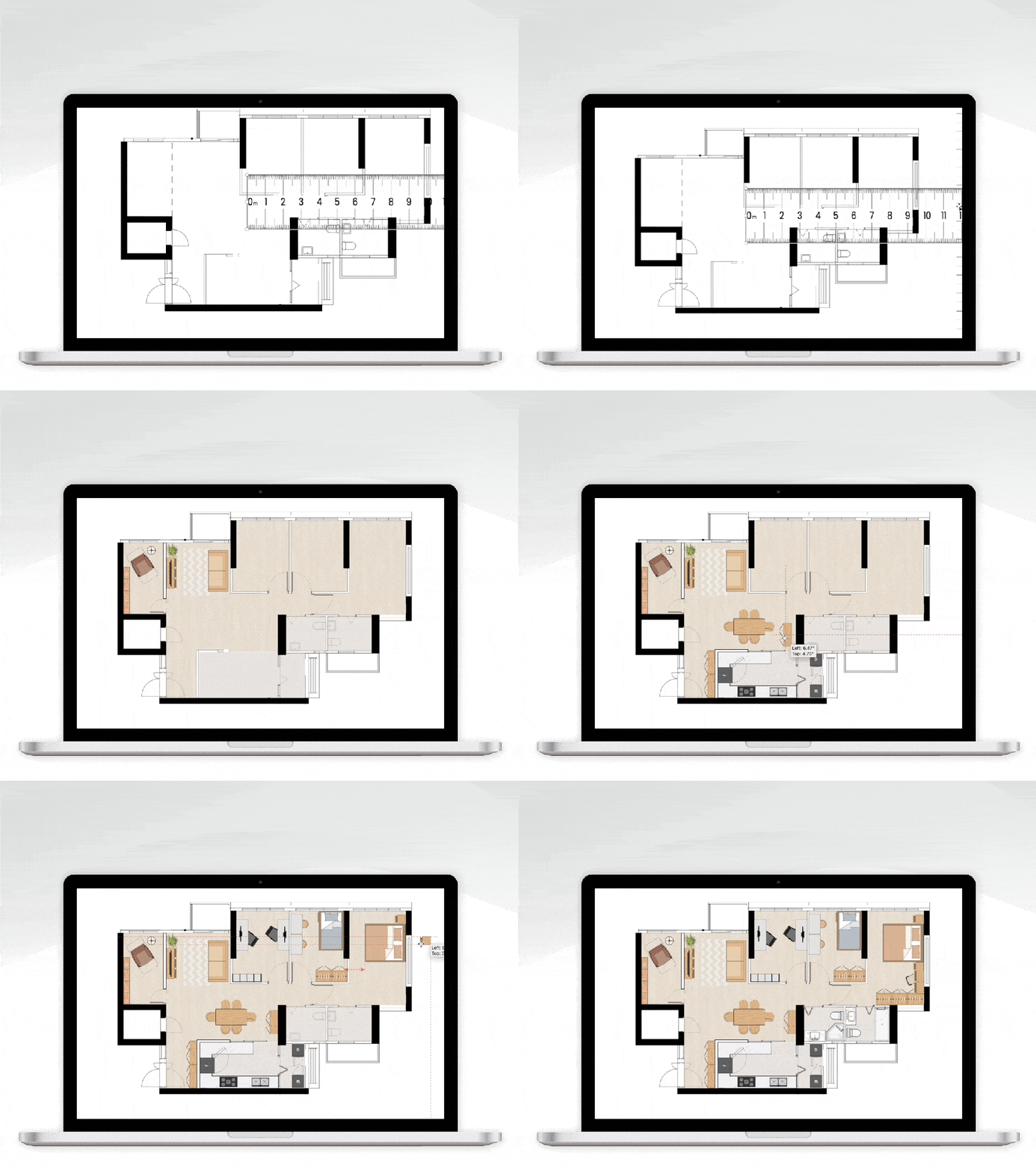
Our Floor Planning Tool helps you create floor plans in PowerPoint with just 3 simple steps.

Ultimate Floor Planning Tool in PowerPoint

Why Ultimate Floor Planning Tool?

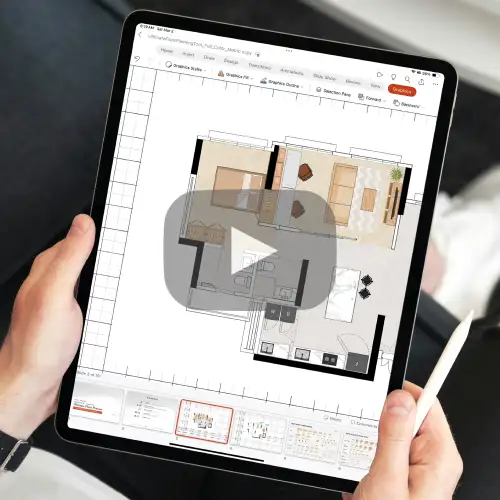
Check out this video to learn more ➔

Ditch the inaccurate hand sketches!

⚪️ Inaccurate

⚪️ Not to scale

⚪️ Unable to communicate

Move over to Ultimate Floor Planning Tool!

🟠 Accurate & to scale

🟠 Professional result

🟠 Zero learning curve

🟠 Quick & easy way to communicate your ideas with anyone

Why choose us?

Other Apps

Other Floor Planning App

❎ Steep learning curve

❎ Difficulty in importing or tracing the floor plan accurately

❎ Difficulty in making changes

❎ ❎ Recurring payment

Our Floor Planning Tool

Our Floor Planning Tool

✅ Only basic PowerPoint knowledge is required

✅ Simplified design process by ‘drag and drop’ floor plan

✅ Easy to experiment different layout options

✅ ✅ One time payment, use forever

3 Simple Steps

to get started

Simple Step Drag & Drop

1. Drag and drop

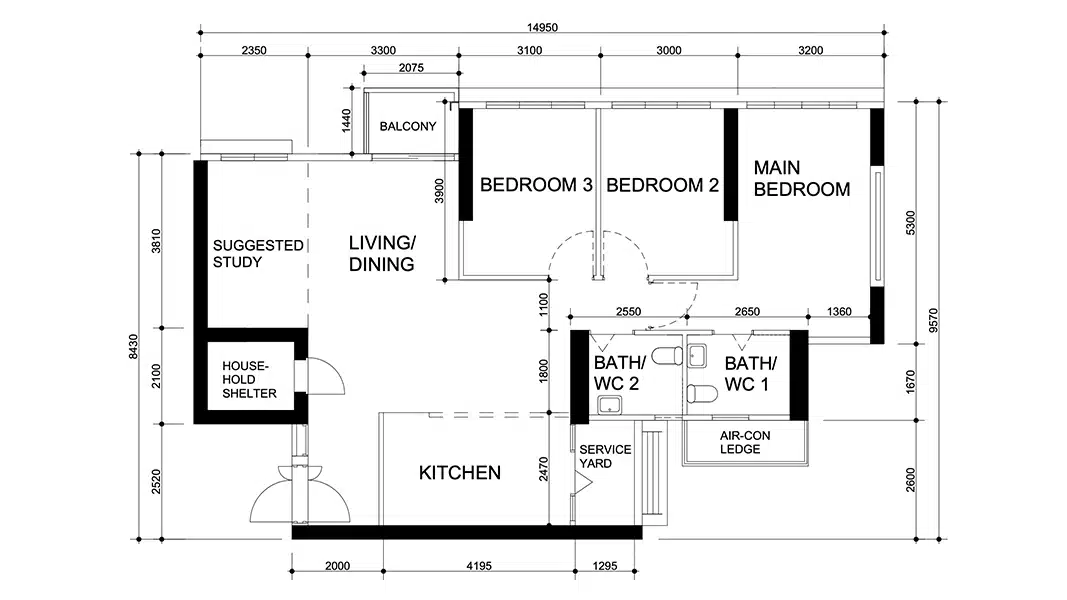
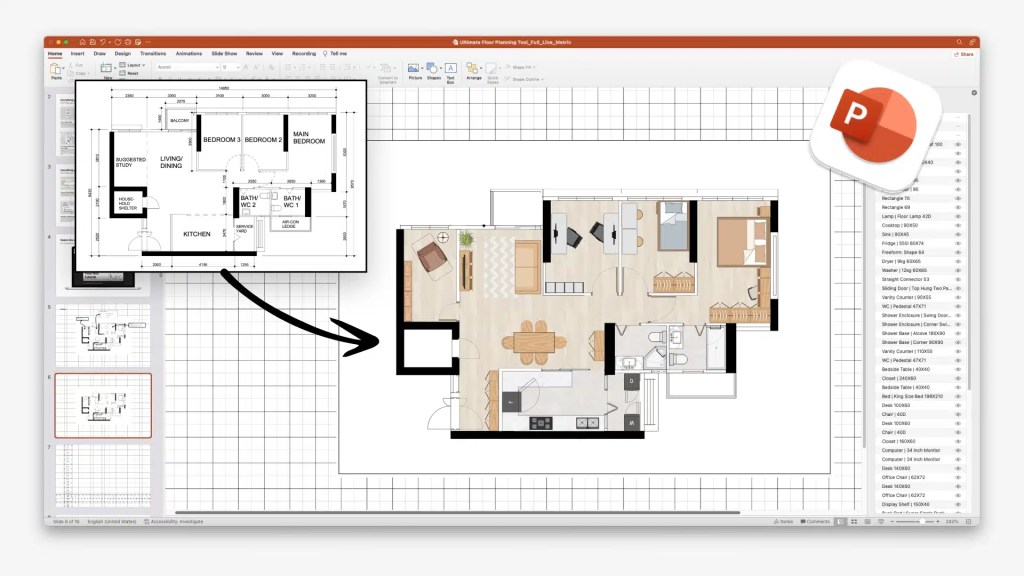
Drag and drop your current floor plan into the Canvas provided

Simple Step Scaling

2. Scale

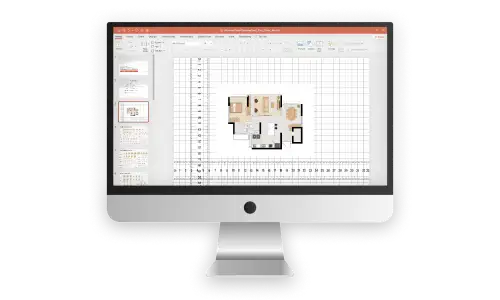
Scale the floor plan with the Ruler provided

Simple Step Copy Paste

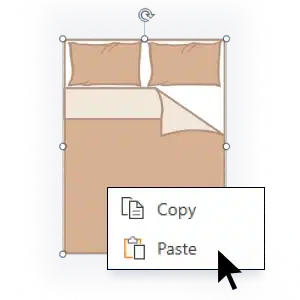
3. Copy and Paste

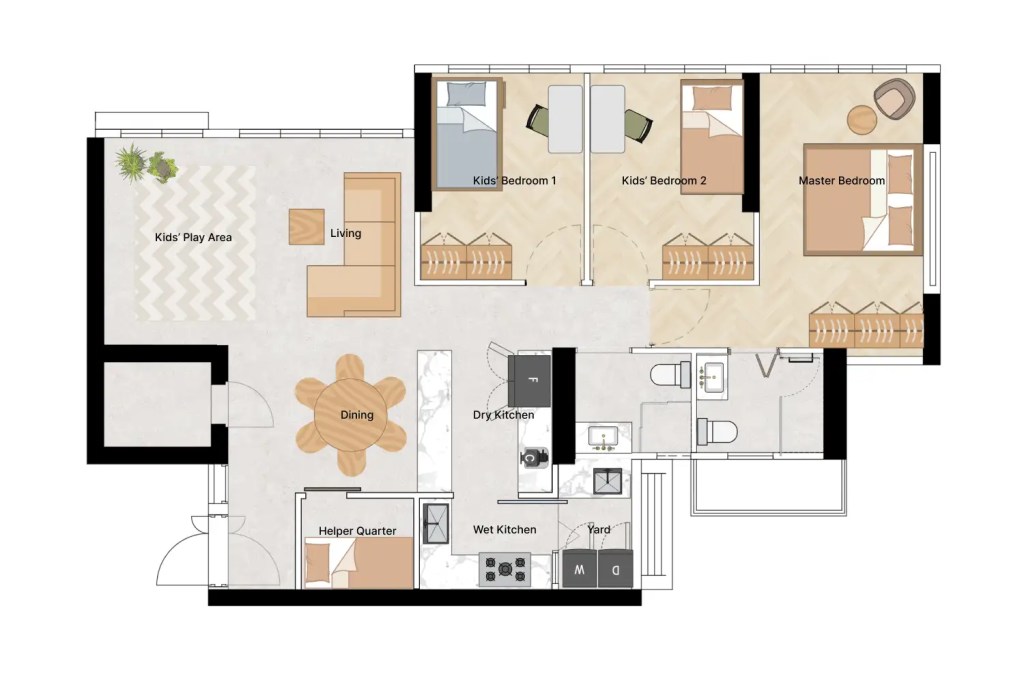
Copy and paste stencils onto the floor plan and begin experimenting layout

Simple Step Drag & Drop

1. Drag and drop

Simple Step Scaling

2. Scale

Simple Step Copy Paste

3. Copy and Paste

Explore the Features

When PowerPoint meets Floor Planning

Floor Planning Feature Stencil

Selectable Stencils

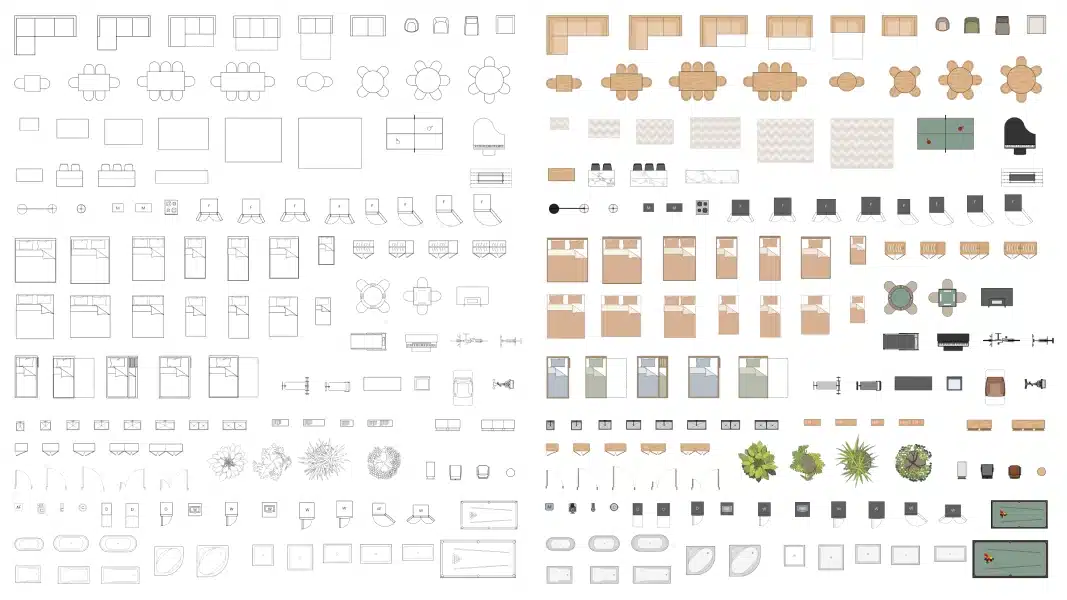
Quickly draw up your floor plan by copying and pasting from the stencil library with more than 300 stencils!

Floor Planning Feature Scale

Easy Scaling

With everything scaled to 1:100, you can confidently size things up without reaching for a calculator

Floor Planning Feature Direct Floor Plan Import

Direct Floor Plan Import

Save time by directly inserting your existing floor plan without drafting in design software

Floor Planning Feature Ruler

Ruler

The specially designed movable ruler allows you to measure, it also serves as a reference to scale your floor plan

Features

When PowerPoint meets Floor Planning

Selectable Stencils

Floor Planning Feature Stencil

Easy
Scaling 1:100

Floor Planning Feature Scale

Direct Floor Plan Import

Floor Planning Feature Direct Floor Plan Import

Ruler & Grid Canvas

Floor Planning Feature Ruler
Stencil Library Desktop

300+ Stencils Available

Stencil Library Mobile

300+ Stencils Available

A Designer's Library

Everything everywhere all in here

300+ curated stencils that cover everything you need to consider when planning your household.

Living Room Stencils · Sofa · Sofa Bed · Arm Chair · TV Console · Shoe Cabinet · TV · Coffee Table · Lamp · Rug

Dining & Study Stencils · Dining Table · Bar Table · Desk · Book Shelves · Bar Chair · Office Chair · Round Dining Table · Side Board · Display Shelf · Bench · Chair · Computer

Bedroom Stencils · Bed · Mattress · Wall Bed · Trundle Bed · Bunk Bed · Closet · Drawer Chest · Dressing Table · Bedside Table

Kitchen & Laundry Stencils · Sink · Cooktop · Fridge · Washer · Dryer · Appliances · Wine Fridge · Dishwasher · Kitchen Island · Kitchen Counter

Bathroom & Door Stencils · Sink · Water Closet · Vanity Counter · Bathtub · Shower Base · Swing Door · Sliding Door · Folding Door · Shower Enclosure

Accessories Stencils · Fitness Equipment · Bicycle · Pot Plant · Fish Tank · Instrument · Appliances · Recliner · Game Room · Hobby Equipment

Metric vs Imperial

Compatible for all countries

We recognize that the bed sizes, dining table sizes, and fridge sizes vary across different regions, therefore, Imperial version is fully optimized for users in the US. Metric version accommodates users elsewhere in the world.

Metric & Imperial Mattress Size desktop

SVG Stencils

Indefinite scalability

Stencils are initially drafted in CAD to ensure their precision. They are then converted into vector format to ensure their smoothness and scalability.

SVG Stencil Mobile
SVG Stencil Desktop

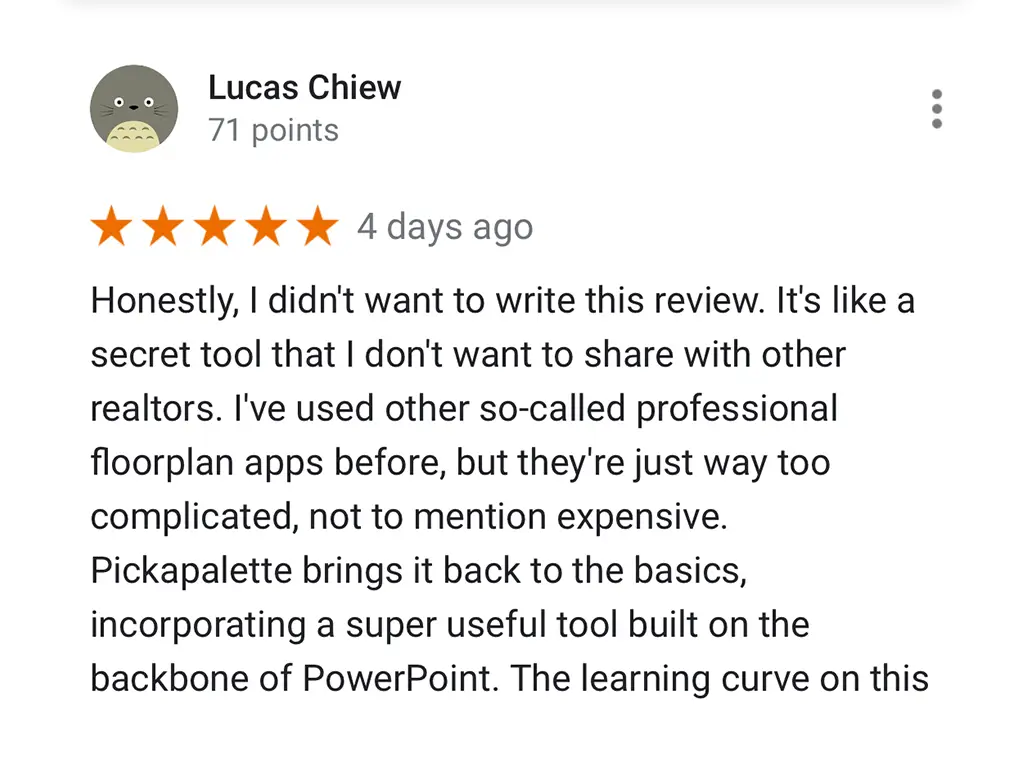
What people are saying

Rated 4.9/5 (Read our reviews)

Rated 4.9/5 (Read our reviews)

Rated 4.9/5 (Read our reviews)

Ultimate Result

Slide to see before & after

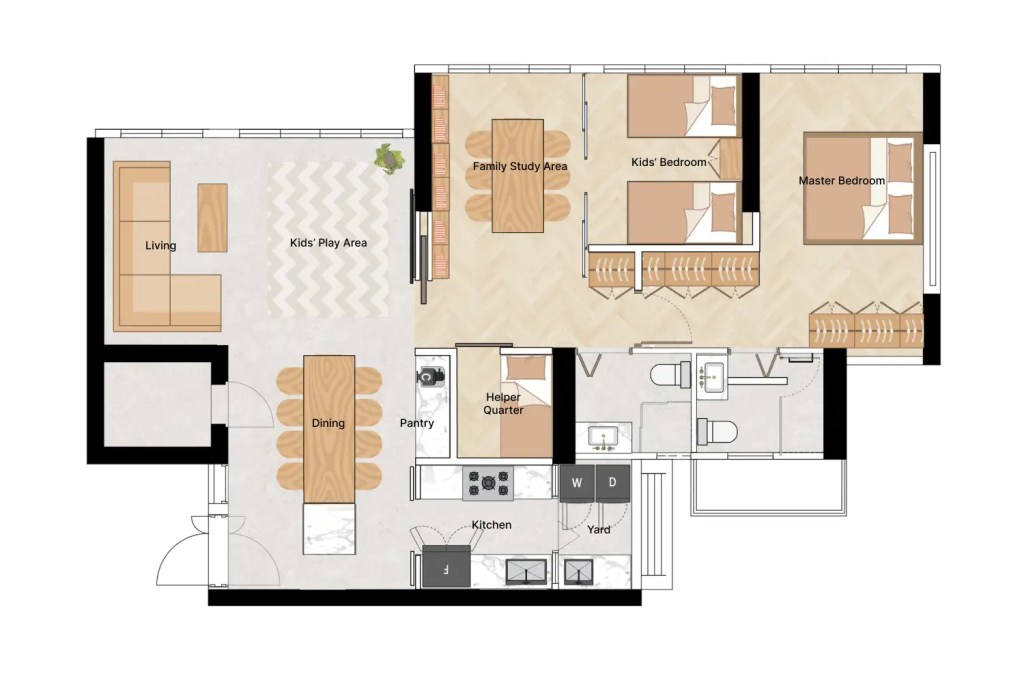
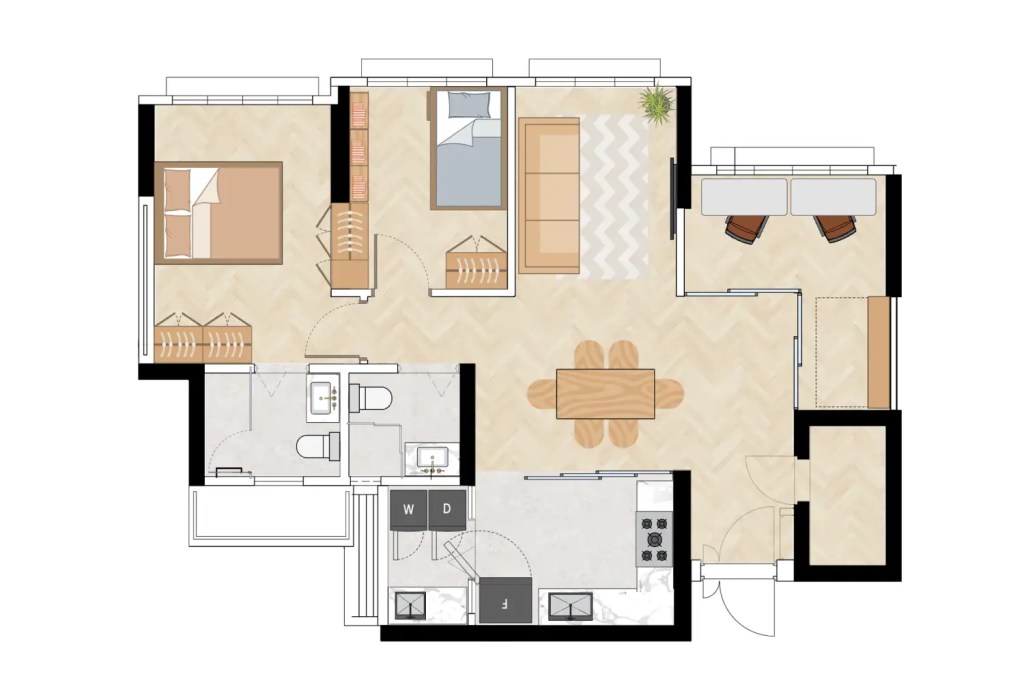
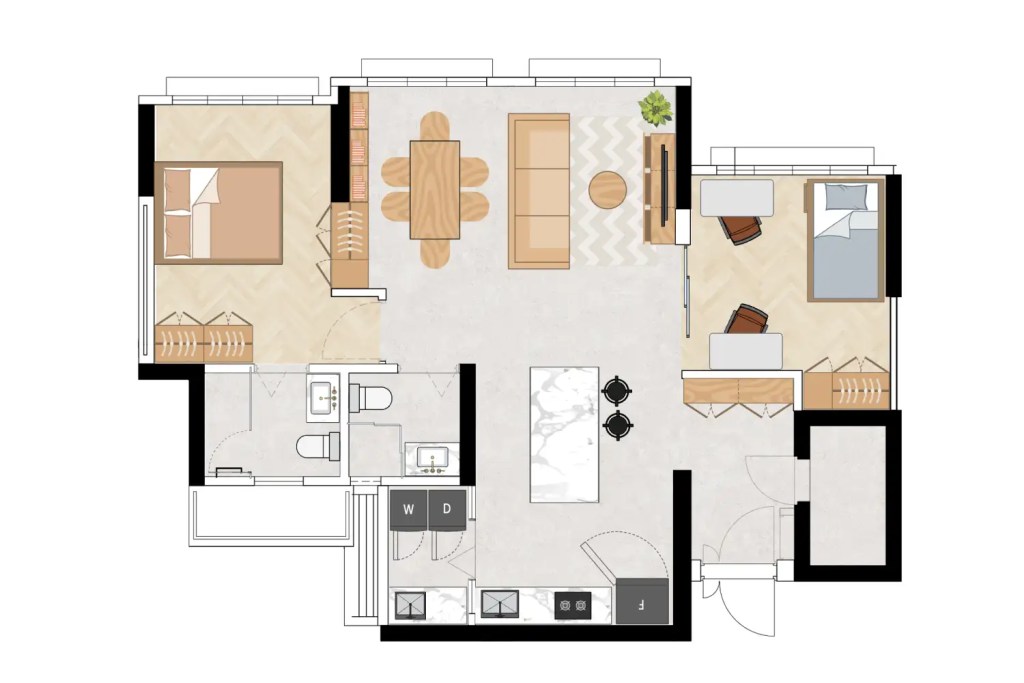
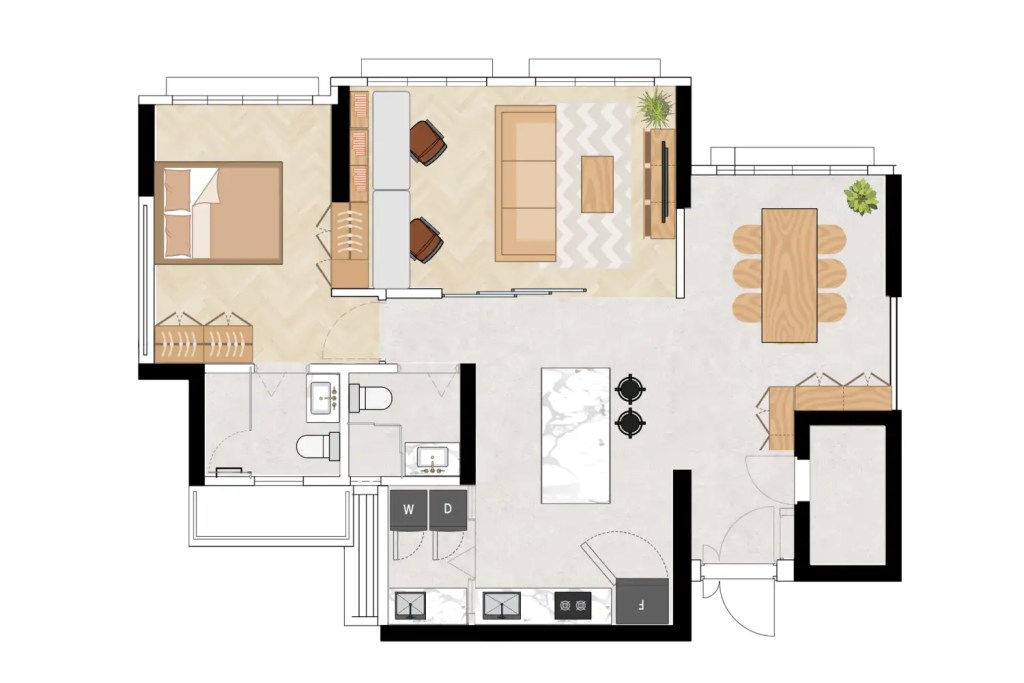
Line Stencil

Color Stencil

Buy now at promo price

One-time payment for lifetime usage

Ultimate Floor Planning Tool Line Metric Product Image

Line Stencil [Metric]

US$ 45

US$ 27

excl. TAX

Ultimate Floor Planning Tool Color Metric Product Image

Color Stencil [Metric]

US$ 55

US$ 33

excl. TAX

Ultimate Floor Planning Tool Line Imperial Product Image

Line Stencil [Imperial]

US$ 45

US$ 27

excl. TAX

Ultimate Floor Planning Tool Color Imperial Product Image

Color Stencil [Imperial]

US$ 55

US$ 33

excl. TAX

Free Download of Demo Damples

Get access to the editable samples featured in our blog posts by purchasing our
Ultimate Floor Planning Tool Color Stencil set

Explore our Bundle Sets

Plan your home renovation with our comprehensive planner bundle set

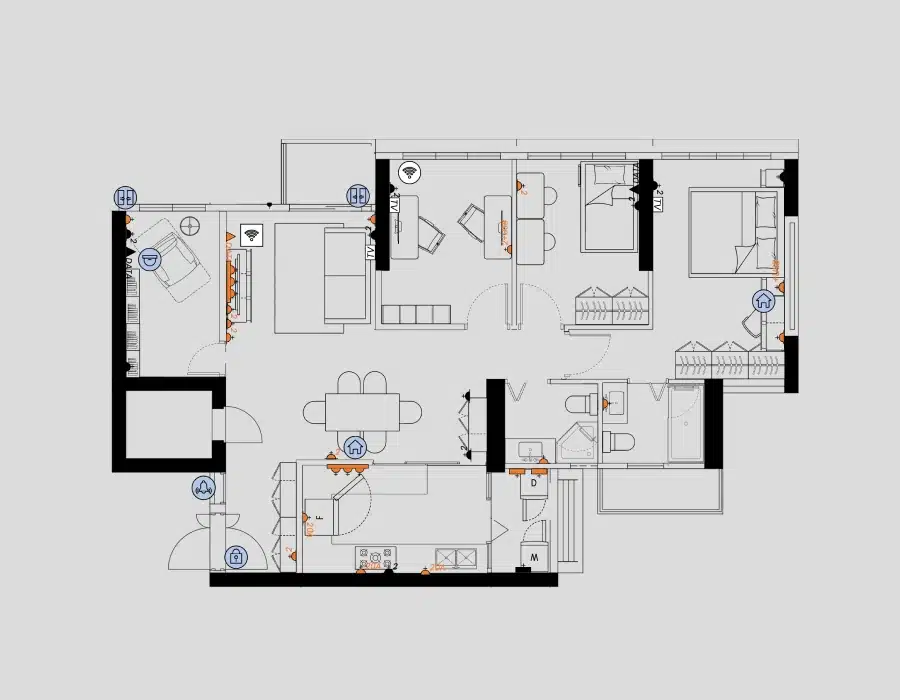
Ultimate Floor Planning Tool-Color Stencil

Create the perfect furniture layout with ease

US$ 35

After Electrical Layout-mobile

Electrical & Smart Home Planner

Plan and prepare all electrical points ahead of wiring works

US$ 19

After Lighting Layout-mobile

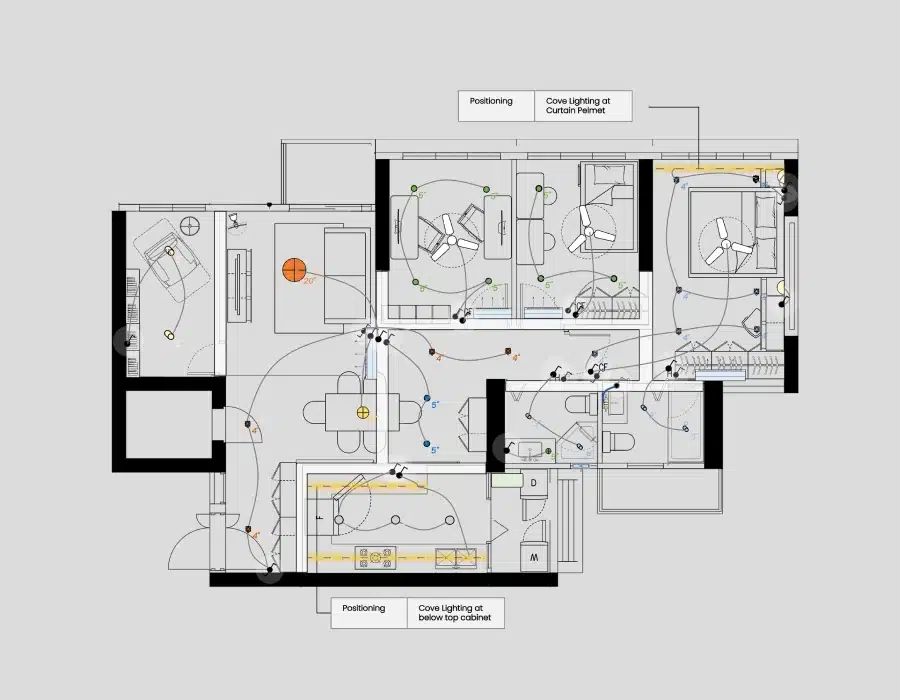
Lighting & Ceiling Planner

Elevate your lighting & ceiling design

US$ 39

Compability on your Devices

Use on multiple devices

Mac

iPad

PC

Android Tablet

Watch the Demo

FAQ

Yes, our product is fully compatible with both Google Slides and Keynote. You can use it seamlessly on these platforms.

Yes, our product is fully compatible on PowerPoint for Mac.

Absolutely! Our product is also compatible with PowerPoint, Google Slides, and Keynote iPad App.

You can utilize our product seamlessly across various devices, including your iPad, laptop, and desktop. It’s important to note that for designers, the standard license is intended for individual use.

Simply convert your floor plan into an image file format, such as .jpeg or .png. Then, insert the image into our canvas, just like you would insert any other image file into PowerPoint.

Yes, you can easily export and print your completed floor plan. Unlike other tools, it’s incredibly straightforward. Just select the entire floor plan, including any objects on top of it, right-click, and choose “Save as Picture.” This will generate a final floor plan image file that you can send out digitally.

Yes, you can. We have an instructional guide on how to print to scale from PowerPoint on standard A4/A3 paper.

To clean up your floor plan, you can use white shapes to cover up the messy areas. We have a tutorial available that explains this process in detail. Click here to go to the video

Yes, our planning tool includes a concise and user-friendly guide. It’s designed to be easy to follow and understand, helping you make the most of our tool.

All our stencils come in SVG format, which is a high-quality vector file format. The advantage of SVG files is that you can scale them indefinitely without any reduction in quality.

Absolutely! We conducted thorough research when creating our stencils to ensure they are accurately sized according to the furniture and appliances available on the market. The stencils are also drafted in CAD just like how professionals would draft the floor plan.

If your country using Centimetre(CM) or Meter(M), Metric version is for you. Metric system is widely used across numerous countries.

If your country uses Inches(In) or Feet(Ft), Imperial version is for you. Imperial system is widely used in United States.

Within the floor plan tool, the measurements of the ruler, grid canvas, and stencils adapt to the respective measurement system.

Certainly! We have designed an Imperial Version of our floor planning tool specifically tailored to US sizes. You can rely on the stencil sizes being appropriate for the furniture and appliances available in the US market.

For standard license, it’s a one-time payment! No recurring charges or subscription fee, we promise.

We appreciate your enthusiasm, however please advise your colleague make his/her own purchase. Our standard license is for single user only. Please read our Terms of Use before purchasing.

If you are considering purchasing for a team, we offer a team license option. If you initially purchase the standard license and later decide to upgrade to a team license, we will discount the amount you have paid for the standard license. Just shoot us an email at hello@pickapalette.com
We welcome designers to make direct purchases for their personal or personal project use. Kindly note that the bundle set is intended for a single user (read our Terms of Use here). If you’re working as a team, please purchase our team license.  If you have any other commercial needs, please reach out to us at hello@pickapalette.com 

If you’re a designer who works solo, you only need a standard license. However, if you need to share our product with your team, you’ll need to purchase a team license (depending on how big your team is).

Yes, you can check out our bundle set at discount rate right here!

No worries, we’ll discount the amount you’ve paid for the standard license. Just shoot us an email at hello@pickapalette.com.

Feel free to drop us a message via Facebook Messengerm.me/pickapalette.id

You’re also welcome to drop us an email at hello@pickapalette.com

We check our email daily and will promptly reply to your queries.

Floor Planning Tool for Everyone

Do you search high and low for a tool that can help you with planning? Whether you're homeowner or designer, look no further, our tool is designed to let anyone create professional floor plans the easiest way.

Explore other products

Bundle Set for Home Owner

Bundle Set for Homeowner

Metric & Imperial

$ 97

$ 79

Related Read

Complete Guide to Designing Floor Plans in Procreate fro Interior Designers and Architects

Complete Guide to Designing Floor Plan in Procreate

Learn to craft accurate, scaled floor plans in Procreate and experience the design freedom it offers!

August 27, 2024

How to draw floor plan in PowerPoint

How to Design a Floor Plan in PowerPoint: A Step-by-Step Guide

This step-by-step guide will show you how to design a floor plan by using PowerPoint.

June 15, 2023